01Build
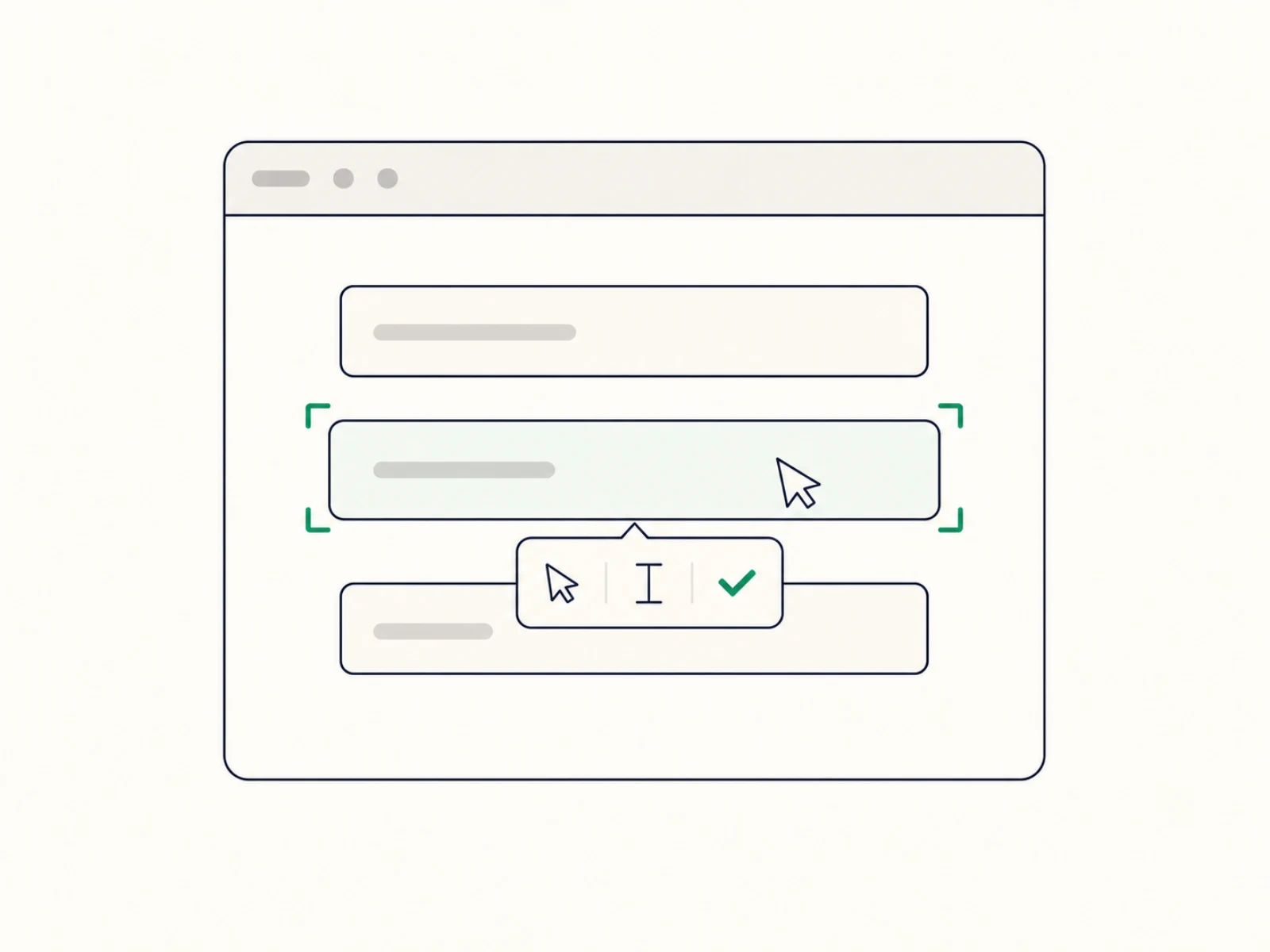
Point at it, pick the action
Open your site and walk through any flow — login, checkout, that fragile multi-step form nobody wants to touch. Target an element, choose what happens: click, fill, verify. No extension, no code.
For online stores, SaaS and agenciesFor online stores, SaaS products and the agencies that run them
DontBreak goes through your checkout, signup and login every hour, like a real customer, and alerts you the moment a step fails. No code to write.
14-day free trial · No credit card required
Alerts in Slack or email · Runs in real Chrome and Firefox
Full name · John Doe
Everythinglookedfine.Yourcheckout
wasbrokenfor6hours.
This time, you'd know first.
Ten minutes of pointing and clicking buys you a watchdog that never sleeps. No Playwright project, no test code, ever.
Open your site and walk through any flow — login, checkout, that fragile multi-step form nobody wants to touch. Target an element, choose what happens: click, fill, verify. No extension, no code.
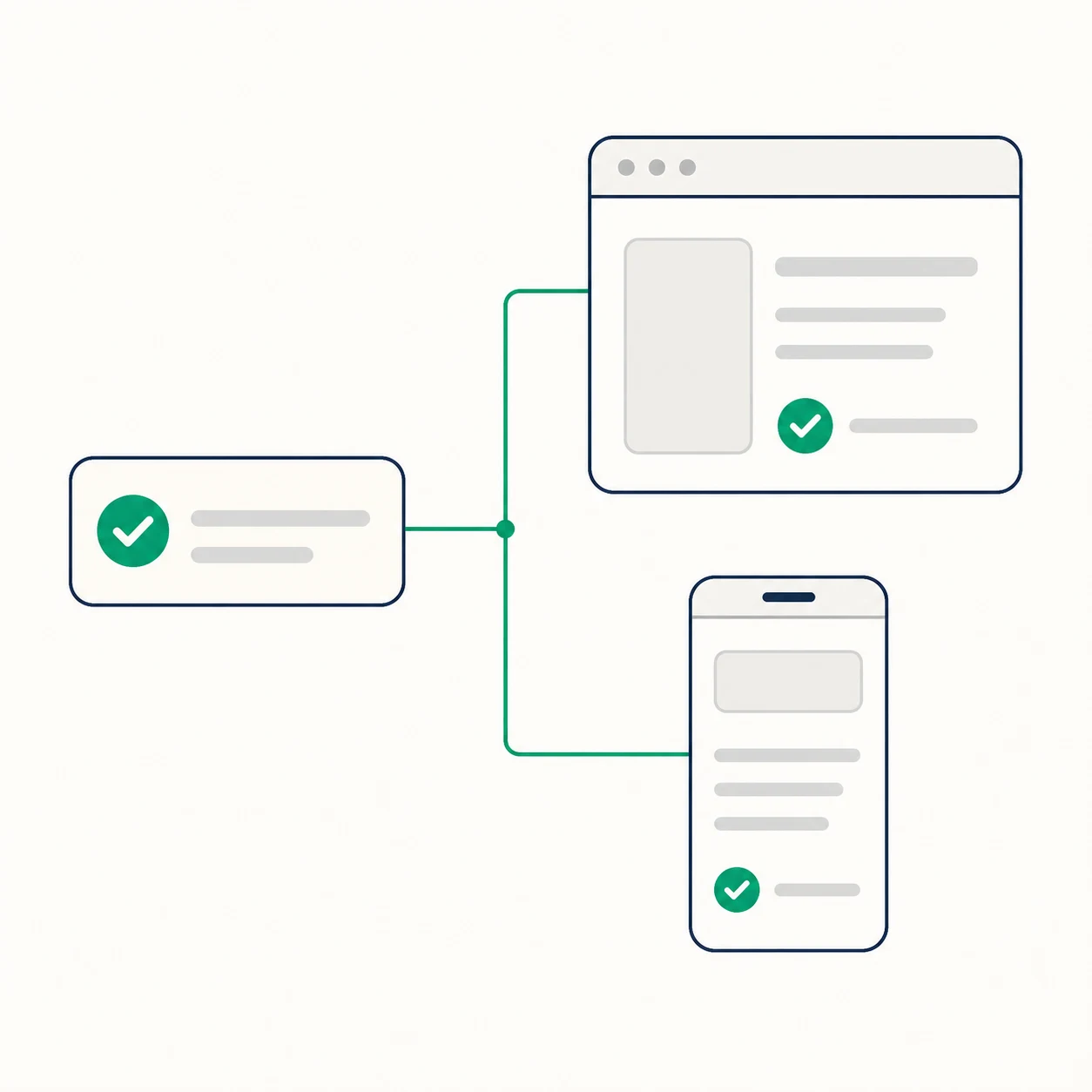
On a schedule — every hour, if you like — and on every deploy from CI. Real Chrome and Firefox, desktop and mobile screens, all in parallel.
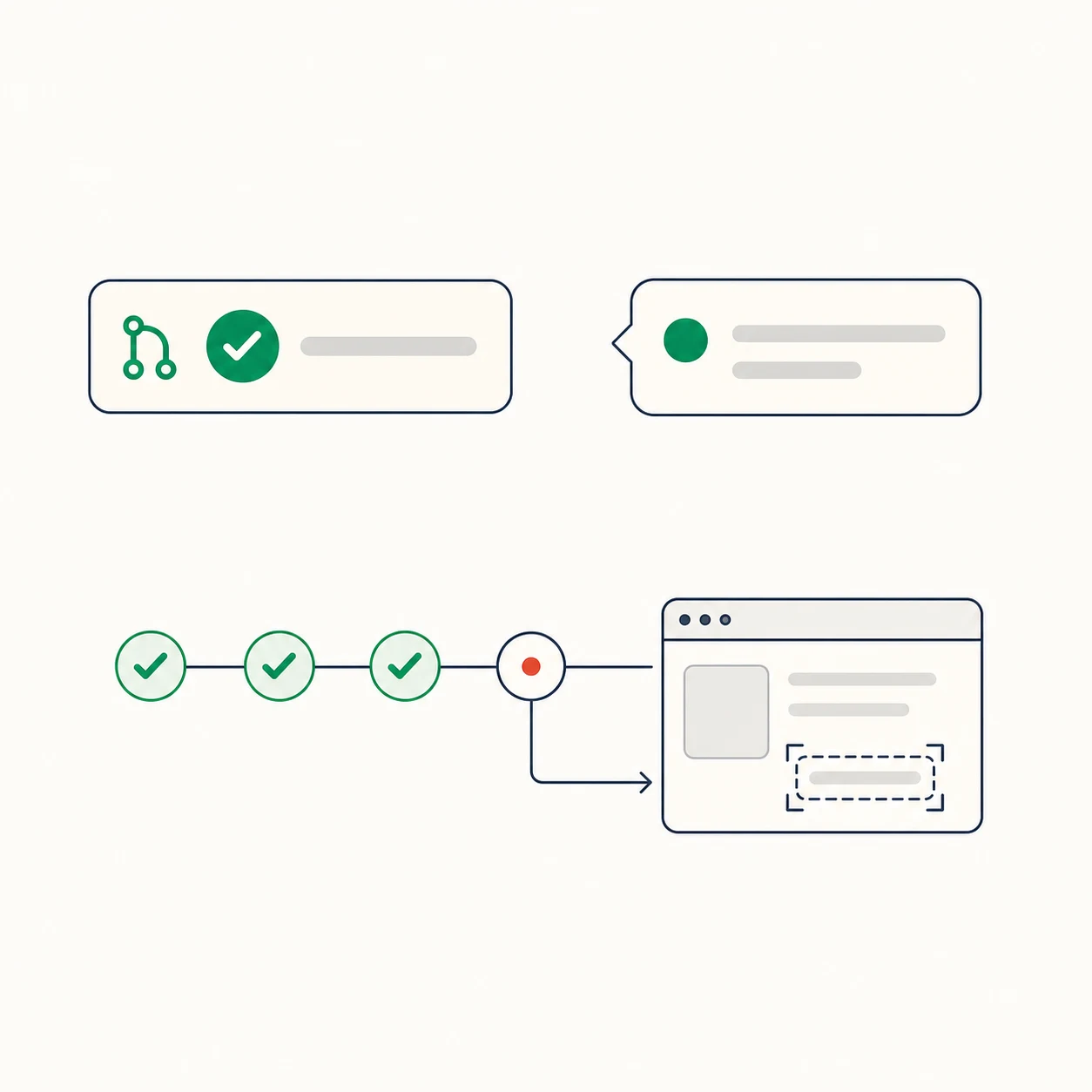
A GitHub check that fails when a deploy breaks a flow, an alert in Slack, and a visual report pointing at the exact step that broke. Changed the page on purpose? One click sets the new look as the target — usually no rebuilding needed.
No log-diving, no “works on my machine.” A failed run names the step that broke and shows the screenshot to prove it. You hear about it in Slack, or as a failed GitHub check after a deploy, before your customers notice.
Passed and failed test runs
Pass rate weighted by stability
▲+4 pts vs. prior 30d
Step 1/5 · Open signup page…
Run #1,847 · Chrome · Desktop · 41s
Add “Canvas Tote” to cart
Fill card details
Click “Pay now”
Covered by cookie banner — click lands on nothing
steps 05–07 not run
What your user saw
Run critical user flows in parallel, across browsers and screen sizes — with an alert the instant one of them breaks.
Every check runs on Playwright, the open-source browser automation tool from Microsoft that engineering teams use for their own tests. You build checks by pointing and clicking. If your developers want one in their own codebase, any check exports as a Playwright script they can build on.
Checkout
6 steps+ 2 more steps
checkout.spec.ts
Real Chrome and Firefox, at desktop and mobile screen sizes. No more shipping a broken mobile checkout because nobody tested it.
Run smoke suites for every deploy and client handoff in parallel. Find out what broke while the release is still fresh.
Slack
alertnowDeploy alert posted
#test-alerts
GitHub
check2mDeploy check failed
after deploy to production
Trello
card1hFix card created
QA board
Jira
ticket3hBug filed with context
WEB-142
Fail the GitHub check when a deploy breaks a flow. File the bug in Jira, Trello, or GitHub Issues — with the failing step attached. Ping the right Slack channel. Send clients a clean handoff when the suite is green.
DontBreak runs your everyday clicks, forms, and assertions — no selectors needed. Then it keeps going where Cypress, Selenium, and every AI test generator stop: checkouts and payment forms built on code you don't own, anything drawn in pixels — charts, maps, canvas — and anything outside the browser tab, like the verification email your signup depends on.
For every online store — the checkout runs on your platform's code, the card form on your payment provider's, and apps update both without asking you.
Selectors need code you control. Your platform's checkout and the card form in your payment provider's iframe aren't yours — you can't add a single test ID, and they change on someone else's schedule.


Aurelijus Useckas
Founder, DontBreak · 15+ years building software
15 years of building software took me all over the place: solo freelance projects, big product teams at Vodafone, Aldi and Blinkist. Same story everywhere — testing lands on dev or QA, and it's always the slowest, flakiest, most tedious part of shipping.
It doesn't have to be. That's why I built DontBreak: tests you set up in minutes, that don't flake, and that you might even enjoy writing. I onboard every team myself — your first test is running before the call ends.
Setup call · Aurelijus
30 min · Google Meet
This week
Every plan has every feature — pick the size that fits. All plans include a 14-day free trial with up to 500 test runs, cancel anytime. Prices in USD, excluding applicable taxes calculated at checkout.
For solo founders protecting a production app.
For teams shipping fast and breaking nothing.
For growing companies running many sites.
How test runs count: a run is one test on one browser × device, so a Chrome-only flow counts as 1 run per check. The hourly figures above assume exactly that — add Firefox or a phone and each check counts twice, or check every two hours instead. Most tests need just one or two combinations, and top-up packs are one click away if a busy month needs more. Launch more tests than your plan runs at once and the rest wait their turn; none are dropped. *Agency teams that need more at once can ask support to raise the limit for their account.
Questions? Email us at hello@dontbreak.io — we typically respond within a few hours
Everything you need to know about DontBreak. Have another question? Reach out and we'll get back to you.
Your first login, checkout, or form flow is usually running within 5 minutes. No extensions, dependencies, or config files. Open your site, point at things, and you're done.
The report pins the exact step that broke, with a screenshot, video, and console logs — you can tell in seconds whether it's a real bug or an intended change. If it was intentional, one click accepts the new look — usually no rebuilding needed. Alerts go where you work: Slack, email, or a failed CI check. It can also file a Jira ticket, GitHub issue, or Trello card with the details attached, and close it when the check passes again.
As often as you want. Schedule them anywhere from every 15 minutes to once a month, run them after every deploy, or both. GitHub Actions has a ready-made DontBreak action that fails the check when a flow breaks, and any other CI can start a run with a single API call.
Yes, as long as it's reachable from the public internet: production, staging, or a preview environment with a fixed URL. Sites behind HTTP basic auth work too: add the credentials in the settings and they're stored encrypted. For sites behind bot protection like Cloudflare, add a secret request header and let it through. Local and private-network sites (localhost, VPN-only) can't be reached.
DontBreak is run by Audiencely UAB, a company in Lithuania (EU). The app, database and file storage run on AWS in the US (N. Virginia), with transfers covered by the EU's Standard Contractual Clauses. Everything travels over HTTPS, and the most sensitive things you store with us (site passwords, custom headers, integration tokens and variables) are encrypted in our database. We never connect to your servers or database; we only see what a browser sees on your site. Run screenshots, videos and logs show whatever your site displays, so use test accounts where you can. They're kept for your plan's run history (14, 30 or 90 days) and deleted after 90 days at most. Need a DPA? Email support@dontbreak.io. The details are on dontbreak.io/security and in our Privacy Policy.
Checks run in real Chrome and Firefox, at desktop and mobile screen sizes; mobile is emulated (phone screen size and touch), not a physical device. Edge, Brave, and Opera share Chrome's engine, so Chrome checks catch most of what would break there, but they aren't tested separately. Safari (WebKit) isn't supported yet — we may add it in future, but there's no timeline.
Selenium, Cypress, and Playwright are great for developers. DontBreak is for teams that need their key flows watched without writing test code. You build flows visually by pointing at elements on your page, then run them on a schedule, after deploys, or from CI. If you ever want the code, you can export a test as a Playwright script from its report.
It can — writing the first draft is the easy part now. But then your team owns a code suite: selectors break on refactors, an engineer triages every red build, and nobody outside the repo can fix a test. DontBreak checks target what users see, so when your UI changes it's a visual confirm or a quick re-target — by anyone on the team, no git workflow.
Put your first flow on watch in five minutes — free for 14 days, no commitment, cancel anytime.


